

As Seen On


Making Design Knowledge Feel Meaningful
A Library for Curious Design Minds
-
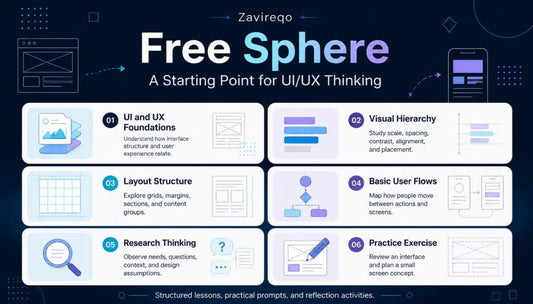
Free Sphere
Regular price €0,00 EURRegular price -
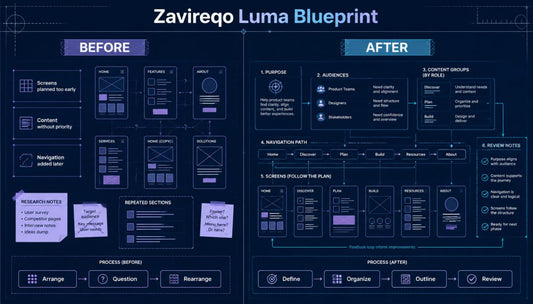
Luma Blueprint
Regular price €67,00 EURRegular price -
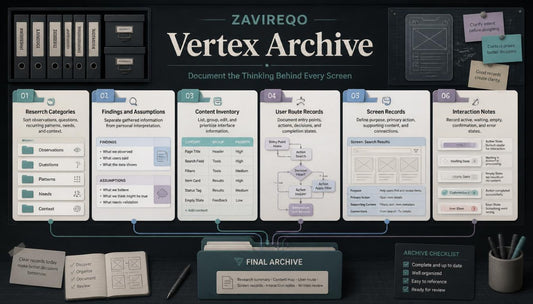
Vertex Archive
Regular price €117,00 EURRegular price -
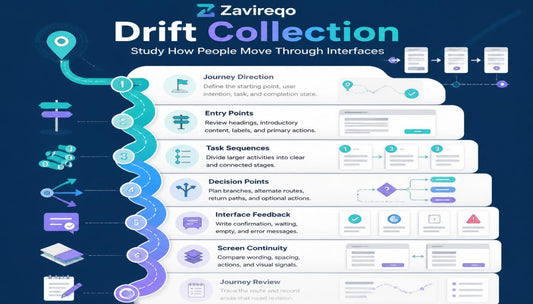
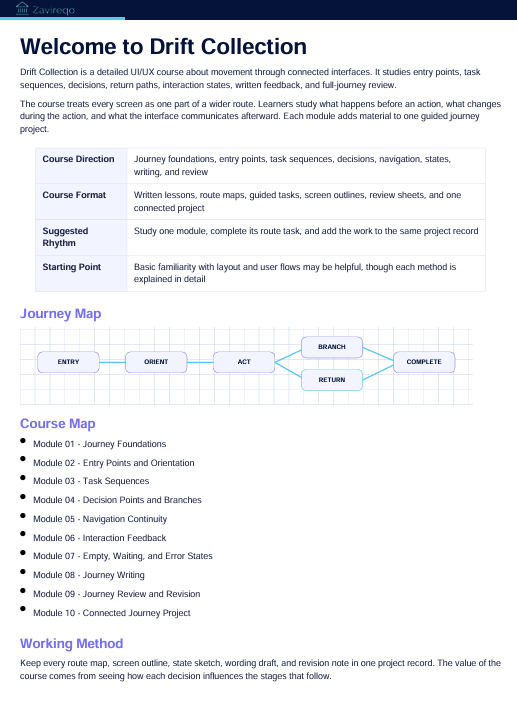
Drift Collection
Regular price €172,00 EURRegular price




Created from Curiosity, Shaped with Purpose


30-days refund guarantee

Discover on all Devices


The People Behind Every Module
-

Dorian Wosner
UX Researcher
Dorian studies user behavior through interviews, observation, and structured research sessions. He organizes findings into themes that guide thoughtful interface decisions. His work connects real user needs with practical project direction. -

Callum Joy
Interaction Designer
Callum plans how people move between actions, screens, and interface states. He creates detailed flows that explain each step and response. His work brings logic and continuity to connected digital experiences. -

Elias Savery
Information Architect
Elias arranges content into clear categories, sections, and navigation routes. He studies how information should appear across connected interface areas. His work gives complex content a thoughtful and readable structure.


A Thoughtful Resource, On Us
Every Design Journey Has Its Own Shape
-

Tessa Corz
Tessa joined with a strong interest in visual design but wanted to understand how user needs and content priorities influence layout decisions. The clear explanations, research prompts, and content-mapping activities gave her a more thoughtful starting point before working on typography and composition. “I now begin by asking what the screen needs to communicate before deciding how it should look.”
-

Maren Poarch
Maren came to the course while developing a multi-screen study project and needed a clearer way to document components, interaction states, and written interface messages. The organized worksheets, practical examples, and consistent learning format made it simpler to keep her project notes and screen decisions connected. “The course gave my notes a clear structure and made every revision feel more considered.”


Take a Look Inside the Curriculum
More Than Modules on a Page
-

Structured Learning
Structured modules connect research, content, interface planning, and thoughtful review throughout.
-

Practical Activities
Practical activities turn key UI/UX concepts into focused design exercises
throughout. -

Detailed Materials
Detailed materials support steady learning across different topics and project stages.
-

Connected Thinking
Thoughtful examples show how decisions connect across screens, flows, and
content.


